Promo videos by industry
Every business has different things to film and different times to post. Hand off the parts you don't have time for.
 Shopify & Etsy sellers
New products every week: when do you make all the videos?
A product page link or a few photos become a scheduled product Short.
See your industry Café & restaurant owners
Running the shop and posting Reels every week: is that possible?
A few menu photos become café and restaurant Reels, posted at the time you pick.
See your industry Tutoring center owners
Teaching all day: can you still post lesson Shorts every week?
A slice of a lesson becomes a Short for your tutoring center, scheduled for enrollment season.
See your industry Clinic owners & practice managers
Clinic Shorts: what can you post, and what needs checking first?
Patients' everyday questions become health info Shorts, scheduled once they're cleared.
See your industry Real estate agents
New listings every day: can you post a video for each one?
Listing photos and details become a Short, with your required disclosures, scheduled to post.
See your industry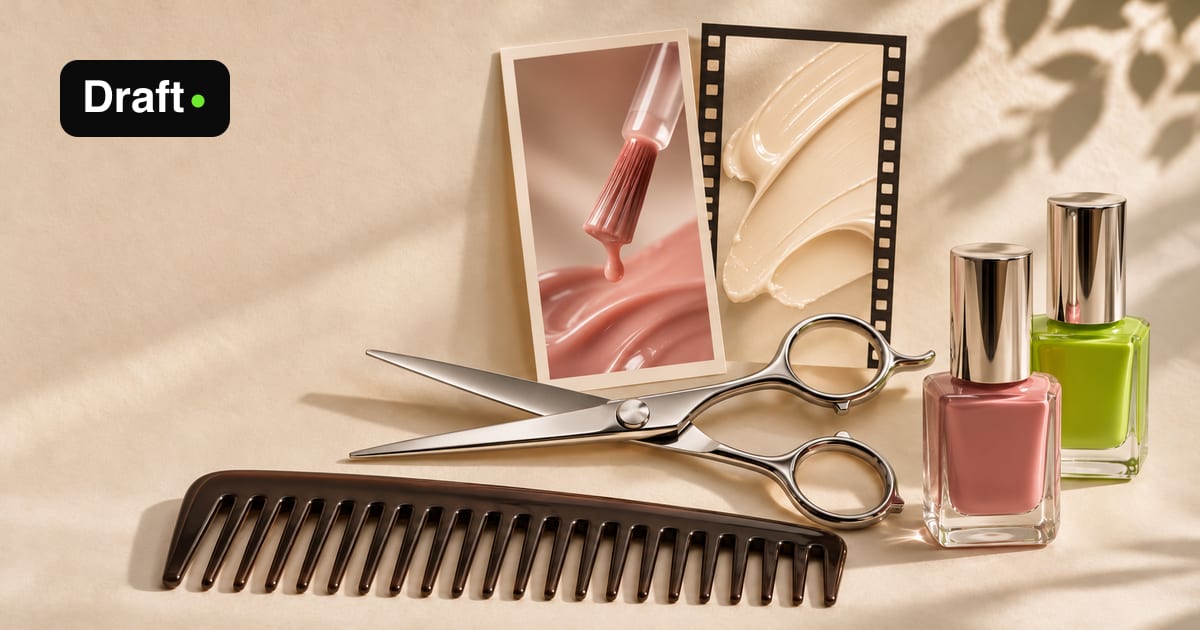 Hair, nail and skin salons
Your camera roll is full of client work. When do you make the Reels?
Upload 3–5 photos after closing and a Reel with captions, prices and music goes out the next evening.
See your industry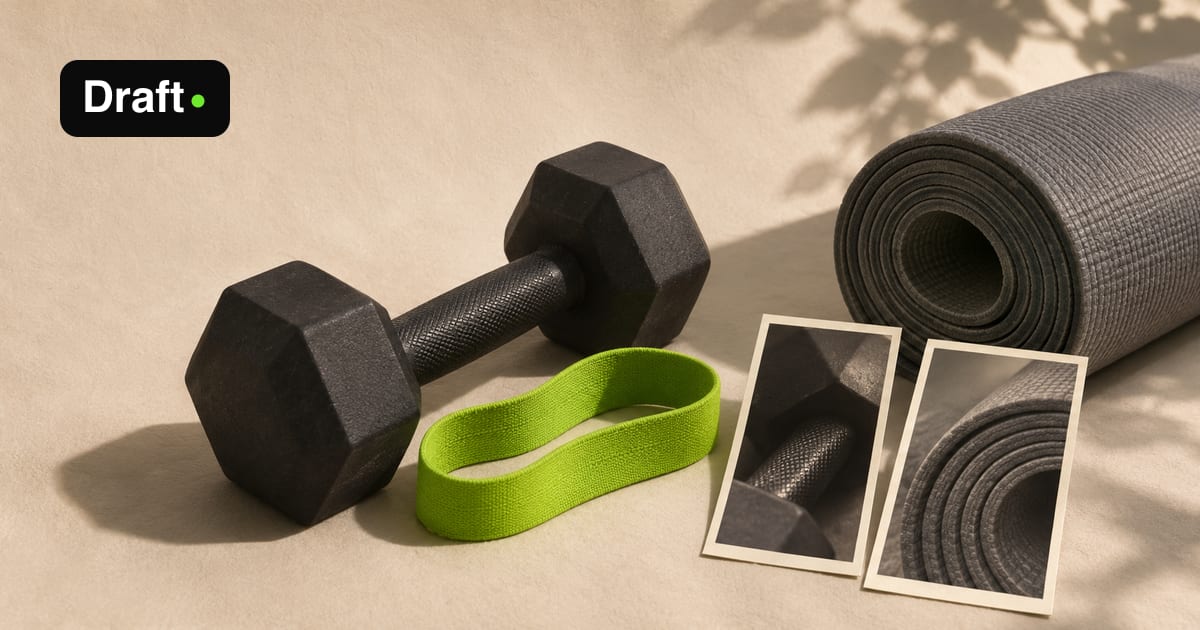 Gyms, Pilates and yoga
January sign-ups are coming. Can you post every day?
One demo clip filmed between classes becomes a Short with sets and reps on screen, posted at 6 PM daily.
See your industry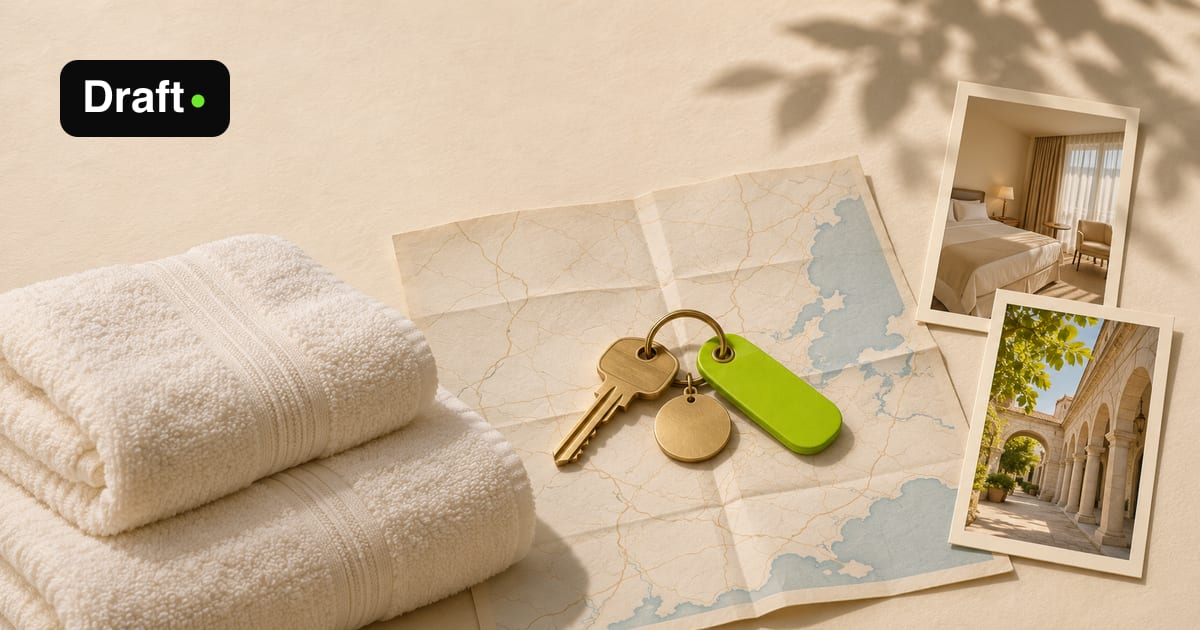 B&Bs, cabins and small hotels
Summer fills itself. What fills a Tuesday in November?
8–10 room photos from high season become Reels that keep going out on set days all off-season.
See your industry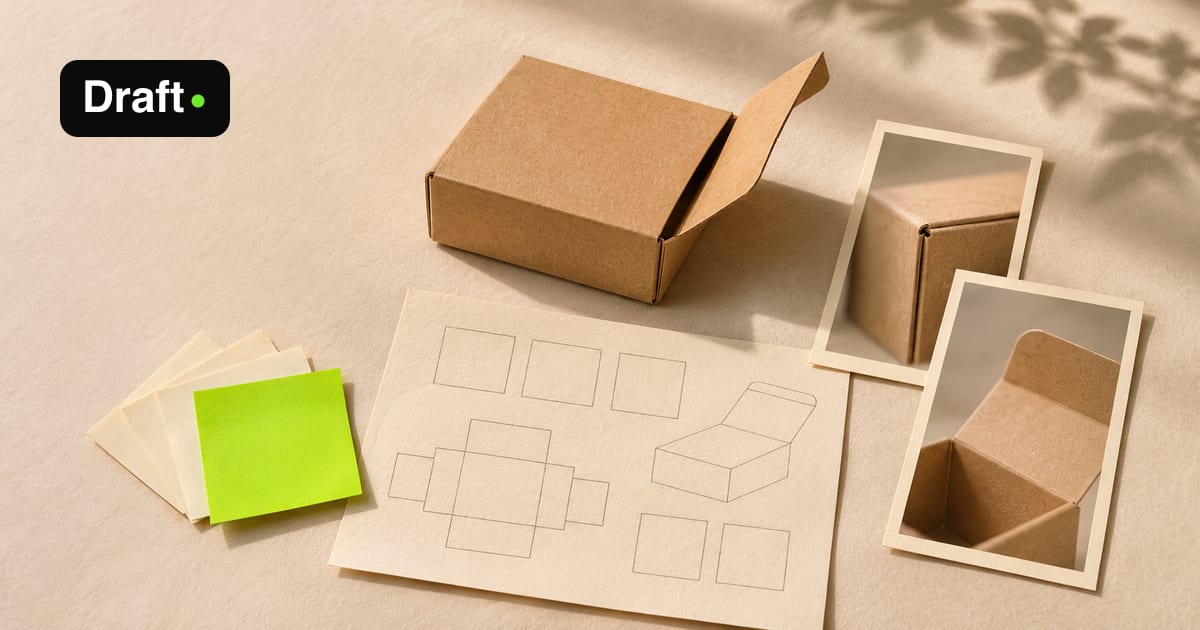 Startups and B2B products
Features change every two weeks. When do you redo the product video?
One landing page link becomes a product video with real numbers and screens; when a feature changes, you fix that scene.
See your industry Remodeling and interior design
Hundreds of job-site photos. Why isn't there a single video?
Phase-by-phase site photos become a demo-to-move-in renovation video you can share as one link in a sales call.
See your industry Dentists & practice managers
No before-and-afters allowed: so what does a dental Short show?
Everyday chairside questions become dental Shorts, scheduled once they're cleared.
See your industry Accountants, tax preparers, lawyers
Videos for a law or tax firm: how much can you say?
Deadlines and the questions clients ask become firm Shorts, checked against your ad rules.
See your industry Groomers, pet stores, vet clinics
A thousand dog photos on your phone, and still no Reels?
Photos of today's visitors become Reels for your grooming salon, pet store or vet clinic.
See your industry Auto repair shops, tuners, detailers
Customers assume every shop overcharges: what should a video show?
Photos from the bay become repair, mod and detailing Shorts, scheduled with the seasons.
See your industry Florists and flower shop owners
Busy wrapping all day: can you still keep up with Reels?
A few workbench photos become flower shop Reels, scheduled before every holiday rush.
See your industry Wedding venues, bridal shops and planners
Plenty of inquiries, so why do so few couples book a tour?
Venue and bridal photos become Reels that answer couples' questions, scheduled before engagement season.
See your industry Portrait and headshot studios
You shoot every day, so why does your feed look the same?
Before-and-after edits and behind-the-scenes setups become studio Reels, scheduled for each busy season.
See your industry Travel agencies and tour operators
Dozens of tours, so why does only one ever get a video?
An itinerary and destination photos become a Short for every tour, scheduled for booking season.
See your industry Coaches, course creators & consultants
Give it all away in Shorts, and who buys the course?
Slides or session notes become faceless coaching Shorts, scheduled around your launch dates.
See your industry Farms selling direct
Post on picking day and it's already late. When should you start?
Field photos become harvest, pre-order and shipping Shorts for your farm, scheduled by date.
See your industryMore on the blog
Social Media Video for Small Businesses: Where to Start
A starter guide for small business owners: a 4-week plan, what to film on your phone, first 3 videos for 20 business types, weekly time and mistakes.
YouTube Shorts vs Instagram Reels vs TikTok (2026)
Shorts, Reels and TikTok compared from official docs: max length, aspect ratio, how each recommends videos, monetization programs, watermarks and music.
Instagram Reels Length, Size and Aspect Ratio (2026)
Max Reels length, recommended aspect ratio and resolution, cover size, caption safe zones and Reels ad specs, checked against Instagram and Meta docs.
AI video tools compared
Every tool is good at something different. Strengths and limits side by side, on the same criteria.
 Remotion vs Draft
Making videos in code: is Remotion or Draft the better fit?
Code every frame in React, or start from an AI-made video and adjust it. Strengths and limits of both.
See the comparison HyperFrames vs Draft
Making video in Claude Code: is HyperFrames or Draft easier?
Both draw scenes in HTML and GSAP. Open source with a desktop app, or a hosted service that also publishes and automates.
See the comparison HeyGen vs Draft
Do you need a talking avatar, or would graphics explain it better?
A person talking, or the content on screen? The answer changes the tool. Both approaches compared.
See the comparison OpusClip vs Draft
Posting Shorts daily: cut a long video or make new ones?
Got long footage to cut? OpusClip. No footage? Draft. The difference, and how to use them together.
See the comparison CapCut vs Draft
Edit it yourself, or fix a finished video AI made?
Edit from an empty timeline, or start from an AI-made video? Hands-on control vs speed, compared.
See the comparison InVideo vs Draft
One prompt to a video: is InVideo or Draft the better pick?
Both make video from a prompt. One leans on stock montage, the other on graphic blocks.
See the comparison Synthesia vs Draft
Training and explainers: should an avatar present, or should graphics show it?
A presenter-led training video, or a marketing video explained with graphics? The answer changes the tool.
See the comparison Pictory vs Draft
Turning blog posts into video: is Pictory or Draft the better fit?
Turning text into video: fill it with stock footage, or organize it with graphic blocks?
See the comparison Vrew vs Draft
Polish what you filmed, or make something new without a camera?
Polish footage you shot through its subtitles, or make a new video without filming? The starting point, compared.
See the comparison Canva vs Draft
Make video in a design tool, or hand it to a video-first AI?
Build it yourself from a template, or adjust a finished video AI made? The difference when you make video, compared.
See the comparison Descript vs Draft
Edit your recording like a doc, or make a new video without one?
Polish what you recorded, or turn what you want to say straight into video? Both approaches compared.
See the comparison MiriCanvas vs Draft
Keep making videos from MiriCanvas templates, or try another way?
Edit a template by hand, or get a video from a topic and edit that? The starting point differs.
See the comparison Typecast vs Draft
Is a great voice enough, or do you need the visuals made too?
Is the voice the product, or the picture? The answer picks the tool.
See the comparison VEED vs Draft
Do you already have footage to subtitle, or nothing shot yet?
Whether you already have footage decides it.
See the comparison Fliki vs Draft
Turning blog posts into video: what should decide the tool?
Both turn text into video. The difference is voice range and what happens after.
See the comparisonWhat you can do with Draft
How to do the most common workflows in Draft, and when another approach works better.
 Make videos with Claude
Ask Claude for a video: how far does it actually get?
Add one connection to Claude, then make, edit and schedule videos from the chat.
Learn more Shorts automation
Posting Shorts daily: can it keep going without you sitting there?
From finding a topic to the scheduled upload, a new Short gets made and posted every day.
Learn more Product videos
Just product photos, no filming: can it still make people want to buy?
A product link or a few photos becomes a promo Short with the benefits and a reason to buy.
Learn more Make videos with ChatGPT
Ask ChatGPT for a video: do you actually get a finished one?
Connect Draft to ChatGPT and make videos, then post them, without leaving the chat.
Learn more Faceless YouTube
A faceless channel on after-work hours: can you really keep it going?
Run a knowledge or info channel with an AI voice and graphics, no face or voice of your own.
Learn more Blog to video
That post you worked so hard on: how long to make it a video too?
Turn one blog link into Shorts and YouTube videos that send viewers back to the post.
Learn more Video generation API
Adding video generation to your product: what would you have to build?
Make, render and publish video through a REST API. Block scenes have no generation cost.
Learn more AI Shorts maker
Want to start making Shorts but don't want to learn editing first?
Turn a topic or a few photos into your first Short, then fix only the scenes you don't like.
Learn more AI ad videos
Fresh ad creative every week: can you keep up?
One ad becomes versions with a different first three seconds, plus 9:16, 1:1 and 16:9 cuts.
Learn more Explainer videos
Can you explain your product in under two minutes?
Turn your product page or deck into a 60–120 second explainer, and fix only the scene that changed.
Learn more Infographic videos
Can a spreadsheet number stop someone mid-scroll?
Paste numbers or a table and get charts, count-ups and maps that move, drawn from the exact values.
Learn more Instagram Reels
Reels need to go up consistently. Can you do it without filming?
Make 9:16 Reels, schedule them, and answer the comments and DMs they bring in from one inbox.
Learn moreFree consultation
Not sure how this fits your business? Ask us
Tell us what you want to post and how often. We'll help you work out the videos, the schedule and what can run on autopilot.
- Make your first video together
- Set up a daily automation
- Custom automation builds
- AI transformation (AX) for your team