A listing video for every new listing, without the editing
Ten photos from the showing plus the listing details make a one-minute listing Short. Price, square footage and fees are drawn as graphics, so the numbers stay crisp.
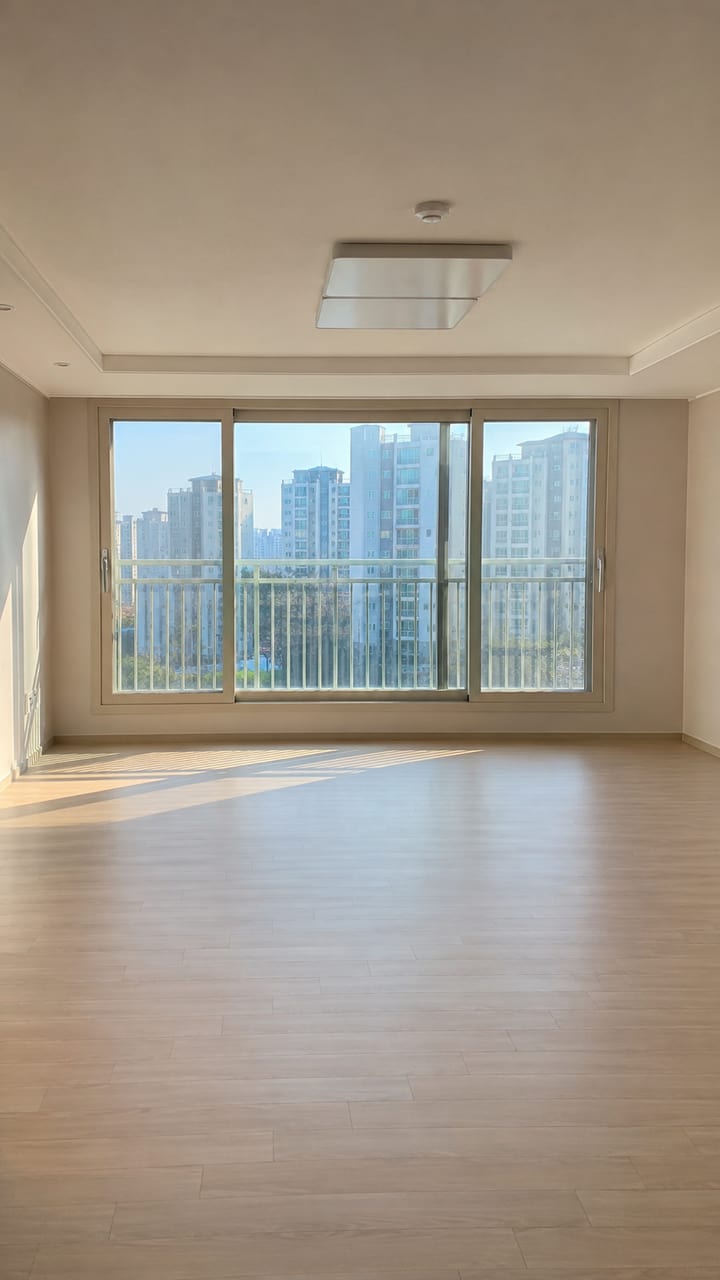
5 minutes to the station: 2-bed tour
Front door to balcony in a minute
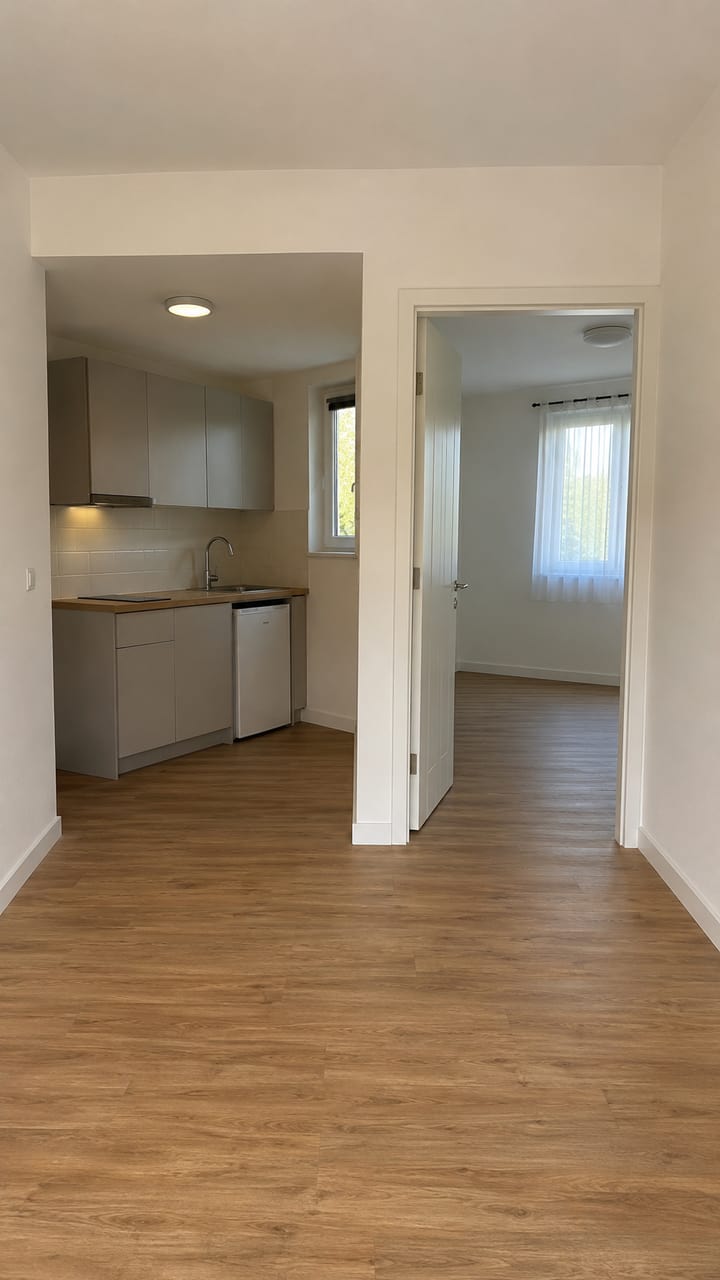
3 two-bedrooms under $2,000 compared
Add the fees and the ranking flips

Corner retail space for lease
Your sign faces two streets
Where it usually gets stuck
The problem 1
Listings change daily: no time left to make videos
How it gets solved
8–10 photos from the showing and the listing details give you a one-minute Short. Draft does the editing; you check the numbers.
The problem 2
Afraid of leaving out a required disclosure
How it gets solved
Your brokerage details and listing facts go in the last scene and caption in the same format every time. Check once more before posting.
The problem 3
Photos alone don't answer anything, so the same questions keep coming
How it gets solved
Size, fees and move-in date appear as number cards; transit, schools and groceries on a map. The basic questions get answered in the video.
The problem 4
You'd like market updates, but sorting the numbers is work
How it gets solved
Enter recent sale prices and they're drawn as bar charts and tables, exactly as entered. Just check and credit the source.
Your first video, scene by scene
The 45-second "5 minutes to the station: 2-bed tour" listing Short. All numbers are examples.
5 minutes to the station: 2-bed tour
Front door to balcony in a minute
- 0–3sFront door to balcony in a minute
Wide photo of the living room looking toward the balcony window
“Five minutes' walk to the station, two bedrooms. Let's see it in a minute.”
- 3–10s850 sq ft · 2 bed · 2 bath
Entry and hallway photo with a size, beds and baths number card
“850 square feet, two bedrooms, two baths.”
- 10–18sSouth-facing · 8th of 15 floors
Kitchen and living room photos in sequence, compass graphic
“The living room faces south, on the 8th floor of 15.”
- 18–26sBuilt-in closet in main bedroom
Bedroom photos with the built-in closet highlighted
“The main bedroom has a built-in closet; the second has a big window.”
- 26–34sStation 5 min · school 7 min
Neighborhood map graphic: station 5 min, school 7 min, grocery store
“Five minutes to the station, seven to the elementary school, groceries across the street.”
- 34–40s$2,450/mo · fees $150
Number cards: $2,450/mo · fees $150 · move-in flexible
“$2,450 a month plus $150 in fees. Move-in date is flexible.”
- 40–45sBook a viewing: call or DM
Brokerage name, license number, agent name and phone card
“Want to see it? Call or DM and we'll set up a time.”
16 things to post this month
Listings
- 1This week's 3 new rentals at a glance
- 2Pet-friendly rentals only
- 32-beds with in-unit laundry
- 4Ground-floor retail with parking
Neighborhood
- 5We walked to the station and timed it
- 6Groceries, clinic, park: one map
- 7Quiet side street vs. main road
- 8The walk to the elementary school
Prices & numbers
- 9This month's 3 sales vs. last month
- 10Renting vs. buying: the monthly cost
- 11Same building, price by floor
- 12Square footage: what's counted?
Renter & buyer tips
- 133 things to check before signing a lease
- 14Deposit, first, last: what's due when
- 15Lining up move-in and closing dates
- 16Move-in inspection checklist
Check before you post
Your required details and every number, in the video and the caption.
- Brokerage name and license details shown as your rules require
- Price, size and fees match the listing agreement and records
- Beds, baths, parking and move-in date match the listing
- Wording describes the home, not who should live there
- The owner or tenant agreed to interior photos being posted
- Family photos, mail and personal items are out of frame
- Edited or virtually staged photos are clearly labeled
- Sold or rented listings have been taken down
How it works
- 1
Add photos and details (10 min)
Upload 8–10 photos and the address, size, price, fees and move-in date.
- 2
Check disclosures (5 min)
Make sure your brokerage name, license details and anything else your local rules require appear in the video and caption.
- 3
Schedule
Post when the listing goes live or schedule it. Take the video down once the property is off the market.
Which one should you pick?
When another approach is better
- Light and flow sell the home: film a walkthrough (you can upload it and add captions and graphics in Draft)
- A large development launch campaign: hire a production company
- You need paid ads and targeting: use an ad agency
Agents Draft fits
- Listings change often, so there's something to post daily
- Regular market update and neighborhood videos
- Solo agents with no time to shoot and edit
- Turning blog listing posts into videos too
FAQ
What must a listing video include?
It depends on where you're licensed. Many places require your brokerage name and license details in listing ads, and fair housing and truth-in-advertising rules apply to the wording. Check your licensing authority or association rules.
Can I show what homes sold for?
Yes, if the data is public or you're allowed to use it. Draft draws the numbers you give it as charts; check the source and any rules on sharing sold data in your market.
What about listings that have sold?
Take the video down. Advertising a property that's no longer available misleads buyers and is restricted in many places.
Could prices or sizes come out wrong?
Graphics draw the exact numbers you enter, so the text never blurs. Check the numbers themselves against the listing agreement and official records.
What does it cost?
You start free, with no subscription; each task uses credits. Draft shows an estimate before it starts. Listing Shorts built from your photos and graphics cost little.
Can listings turn into videos automatically?
Yes. You can request a custom automation that takes your listing details, makes videos and schedules them. Contact our team to work out the right flow for your office.
Can I post interior photos without asking?
Ask the owner, and any tenant living there, first. In an occupied home, tidy away family photos, mail and anything else that shows who lives there before you shoot.
How many photos should I take on site?
8–10 is enough. Shoot the entry, living room, kitchen, each bedroom, bathroom, the view and the building outside, in that order, and that becomes the video's order. Shoot vertical, since it's for Shorts.
More on the blog
AI Video Tools: Why You Don't Need Five Stitched Together
A feature is renamed after your product Short is approved, and five tools need reopening. See how edits shrink when AI video tools live in one place.
Save Tokens on AI Video: Turn Repeated Scenes into Blocks
What gets rebuilt when you fix one number card in an AI video? Real Draft block data, with scene code, narration, media and export costs split out.
Weighing something else too?
What people with the same question read next.
 Shopify & Etsy sellers
New products every week: when do you make all the videos?
A product page link or a few photos become a scheduled product Short.
Read Café & restaurant owners
Running the shop and posting Reels every week: is that possible?
A few menu photos become café and restaurant Reels, posted at the time you pick.
Read Tutoring center owners
Teaching all day: can you still post lesson Shorts every week?
A slice of a lesson becomes a Short for your tutoring center, scheduled for enrollment season.
ReadWe can build these for you too
Connections and automations Draft doesn't offer out of the box can be built for you after a consultation.
Add a listing, get a Short
When a new listing goes into your office's listing sheet, a video can be made from its photos and details and scheduled automatically.
Stops when a disclosure is missing
If any required field is empty, the flow can stop before making the video and tell you what's missing.
A monthly market video for your area
Public sales data can be gathered each month into a neighborhood market update video, scheduled for you.
Make your first video now
Start free with no subscription and top up credits only when you need them.
Start free