Instagram Reels Length, Size and Aspect Ratio (2026)
Max Reels length, recommended aspect ratio and resolution, cover size, caption safe zones and Reels ad specs, checked against Instagram and Meta docs.
Search for Instagram Reels length and size and you'll get a mix of numbers: 90 seconds, 1080×1920, a 1080×1920 cover. Some are old limits. Others are numbers Meta has never published.
This post collects only what we checked directly in the Instagram Help Center, the Meta Ads Guide and Meta's developer docs as of November 2026. Where there's no official number, we say so.
Reels can run 20 minutes, but only 3 get recommended
The Instagram Help Center article Record a reel on Instagram says you can record one or multiple clips that add up to 20 minutes. The same article carries a note underneath: Reels over 3 minutes won't be recommended to new audiences.
20 min
the longest Reel you can record and edit in the app
3 min
past this, Reels aren't recommended to people who don't follow you
15 min
the maximum for the official publishing API and for Reels ads
3 sec
the minimum length the publishing API accepts
If the goal is reaching beyond your followers, finish within 3 minutes. The 20-minute length is for longer explainers or lessons aimed at followers who already know you.
Meta has never put a number on the best length. Blogs pass around 15 or 30 seconds as the sweet spot, but the only length with an official source behind it is that 3-minute line.
Aspect ratio and resolution: the official specs side by side
A regular Reel upload, Meta's publishing API (used when you post from an outside tool) and Reels ads each have their own document and their own numbers. Here they are next to each other.
| Spec | Regular Reels (Instagram Help Center) | Publishing API (Meta developer docs) | Reels ads (Meta Ads Guide) |
|---|---|---|---|
| Aspect ratio | 1.91:1 to 9:16 | 0.01:1 to 10:1, 9:16 recommended | 9:16 |
| Resolution | 720 pixels minimum | 1,920 pixels wide maximum | 1440×2560 recommended |
| Frame rate | 30 fps minimum | 23 to 60 fps | Fixed frame rate |
| Length | Up to 20 minutes | 3 seconds to 15 minutes | 0 seconds to 15 minutes |
| File size | No official number | 300 MB maximum | 4 GB maximum |
| Format | No official number | MOV or MP4, H.264 or HEVC, AAC audio | MP4 or MOV, H.264, stereo AAC at 128 kbps or higher |
Sources: Reel size & aspect ratios on Instagram, the Instagram Graph API media reference and the Meta Ads Guide for Instagram Reels.
The familiar 1080×1920 isn't listed as required in any of these documents. It is 9:16 and clears all three bars, though, so it's a safe size for regular Reels and scheduled posts. If the same file will also run as an ad, export it at 1440×2560.
If your Reels look soft, check the app settings first. The Help Center says to go to Profile > Menu > Your app and media > Media quality and turn on Upload at highest quality. Uploads may take longer with it on.
Cover image sizes differ by document
The Help Center recommends a Reels cover of 420×654 pixels (a 1:1.55 ratio), as a PNG or JPG. The publishing API docs instead recommend a 9:16 cover and say that anything else gets cropped to the middle 9:16 area. API covers must be JPEG, 8 MB or less, in sRGB.
The Help Center gives no official size for how covers are cropped on the profile grid. So the safe way to make a cover is:
- Make it 9:16, the same as the video.
- Keep the title text, faces and products in the center, so it still reads if the top and bottom get cut.
- Decide on it before posting. The Help Center article says you can't edit the cover photo after you've uploaded it.
Keep captions inside the safe zone
Only the ads side publishes official safe-zone numbers. For 9:16 Reels ads, the Meta Ads Guide recommends keeping text, logos and other key elements out of the top 14%, bottom 35% and 6% on each side. That keeps them from being covered by the profile icon or call-to-action button, or cropped on screens taller than 9:16.
We couldn't find safe-zone numbers for regular Reels in the Instagram Help Center. Regular Reels also have the account name and caption at the bottom and the like and comment buttons on the right, so borrowing the ad guidance as-is is a sensible default. In pixels, that works out to:
| Edge | Share | Keep clear at 1080×1920 | Keep clear at 1440×2560 |
|---|---|---|---|
| Top | 14% | ~269 px | ~358 px |
| Bottom | 35% | 672 px | 896 px |
| Sides | 6% each | ~65 px each | ~86 px each |
| Bottom (ads with a disclaimer) | 40% | 768 px | 1,024 px |
That leaves an area about 950 px wide and 980 px tall at 1080×1920. Think of it as roughly 269 px to 1,248 px from the top, inside the upper two-thirds of the screen. If you're in the habit of pinning captions to the very bottom of the frame, that's where they get covered most.
Check these in order when you export
This is the order that's easy to skip when exporting from an editing app. It lists what the official docs require plus a safe value within that range.
- 1Aspect ratioSet it to vertical 9:16. Up to 1.91:1 uploads fine, but anything not vertical leaves empty space above and below
- 2Resolution1080×1920 or higher. If the file will also run as an ad, export at 1440×2560
- 3Frame rate30 fps or higher, exported at a fixed frame rate
- 4CodecH.264 (or HEVC) in MP4 or MOV, with stereo AAC audio
- 5LengthTrim it under 3 minutes if it needs to reach new viewers
- 6Caption positionKeep inside the top 14%, bottom 35% and 6% side margins, then check once on a phone
- 7Cover9:16, text gathered in the center, saved as a separate file
What gets repeated vs. what the docs say
These are numbers that show up often in search results but don't match the official documents.
Per the official docs
- Up to 20 minutes in the app, only up to 3 minutes recommended to new viewers
- Uploads from 1.91:1 to 9:16
- 720 pixels minimum, 1440×2560 recommended for ads
- Cover recommended at 420×654 (Help Center) or 9:16 (publishing API)
- Safe-zone numbers exist only in the ads guide
- There's no official best length
What gets repeated
- Reels max out at 90 seconds
- Reels only accept 9:16
- Anything other than 1080×1920 won't upload
- Covers must be 1080×1920
- Instagram has an official rule for caption placement
- 15 or 30 seconds is the official ideal length
How are Reels ads different?
Ads have different length and file size limits, and some material isn't allowed. Length runs from 0 seconds to 15 minutes, and files can be up to 4 GB. Width must be at least 250 pixels for ads under 30 seconds and 500 pixels for ads 30 seconds or longer, and primary text is recommended at 44 characters.
The Meta Ads Guide says Reels ads should not contain:
- Licensed music. It recommends original audio or royalty-free music from the Meta Sound Collection instead.
- Media with a face or camera effect, or media with a GIF
- Media with product tags
- Reels published before October 15, 2021
On devices with screens taller than 9:16, the ad may be zoomed to fill the screen, cropping the edges, or kept at 9:16 with the leftover space filled with a black background, according to Meta Business Help. For ads that include a disclaimer, the recommendation is to keep the bottom 40% clear.
Less to worry about when you make Reels with Draft
Give Draft a topic, a link, or photos of your products or store, and it makes a vertical video. It includes a script, AI voice narration, word-timed captions and graphics drawn in code, and every scene is editable in the web editor. Check once at phone size that no caption sits in the unsafe area.
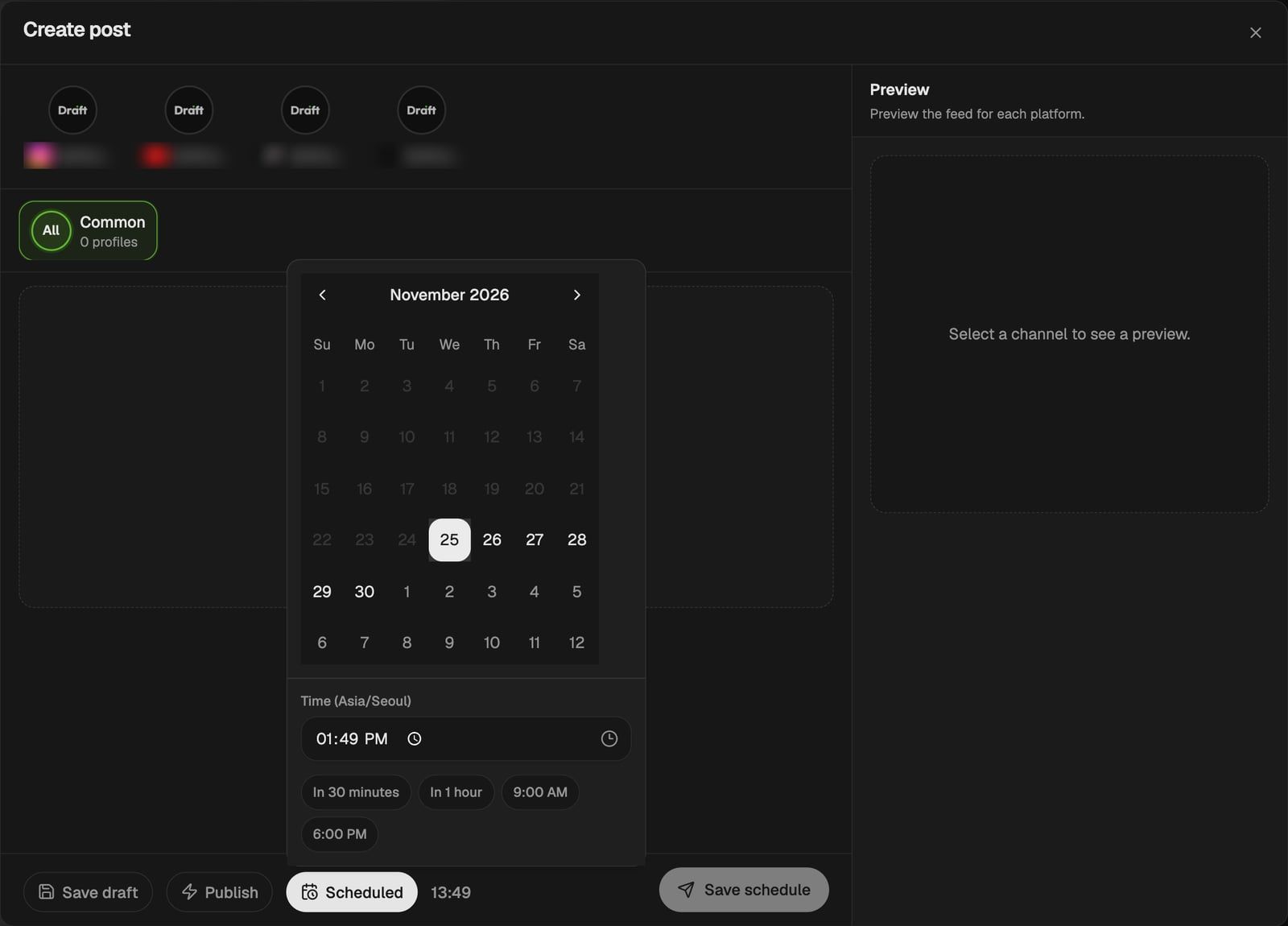
Finished Reels can be published right away or scheduled to 7 platforms, Instagram included.
If your brand needs Reels every week, Instagram Reels walks through making a week's worth at once and scheduling them. If editing is new to you, start with AI Shorts maker. And if the same vertical videos also go to YouTube Shorts, read up on the YouTube Shorts monetization requirements too.
FAQ
How long can Instagram Reels be?
Per the Instagram Help Center, you can record and edit up to 20 minutes in the app. Reels over 3 minutes, though, won't be recommended to new audiences. When an outside tool posts through Meta's publishing API, the range is 3 seconds to 15 minutes.
Do Reels have to be 1080×1920?
No. The Help Center specs are an aspect ratio from 1.91:1 to 9:16, a minimum resolution of 720 pixels and at least 30 fps. 1080×1920 is a safe 9:16 size that clears those, and the ads guide recommends 1440×2560.
What happens if I post a horizontal video as a Reel?
Anything up to 1.91:1 uploads. On a vertical screen, though, it leaves empty space above and below. To fill the screen, re-edit it to 9:16.
What size should a Reels cover be?
The Help Center recommends 420×654 pixels (1:1.55), while the publishing API docs recommend 9:16. Make it 9:16 with the text in the center and it works for both.
Is there a safe zone for regular Reels too?
Official numbers exist only for ads. Using the Meta Ads Guide's top 14%, bottom 35% and 6% on each side for regular Reels as well keeps your on-screen text clear of the post caption and buttons.
Make it with Draft
Turn the idea you just read into a video plan.
Start from a topic and get the script, scenes, narration, captions and a scheduled post in one flow.