Your product explainer, made in-house by one person
An explainer should show who gets what easier and when, not list features. Share a product page link or a deck and Draft drafts a 60–120 second video in that order.
Timesheets without the spreadsheet
Payroll week. Late night again?
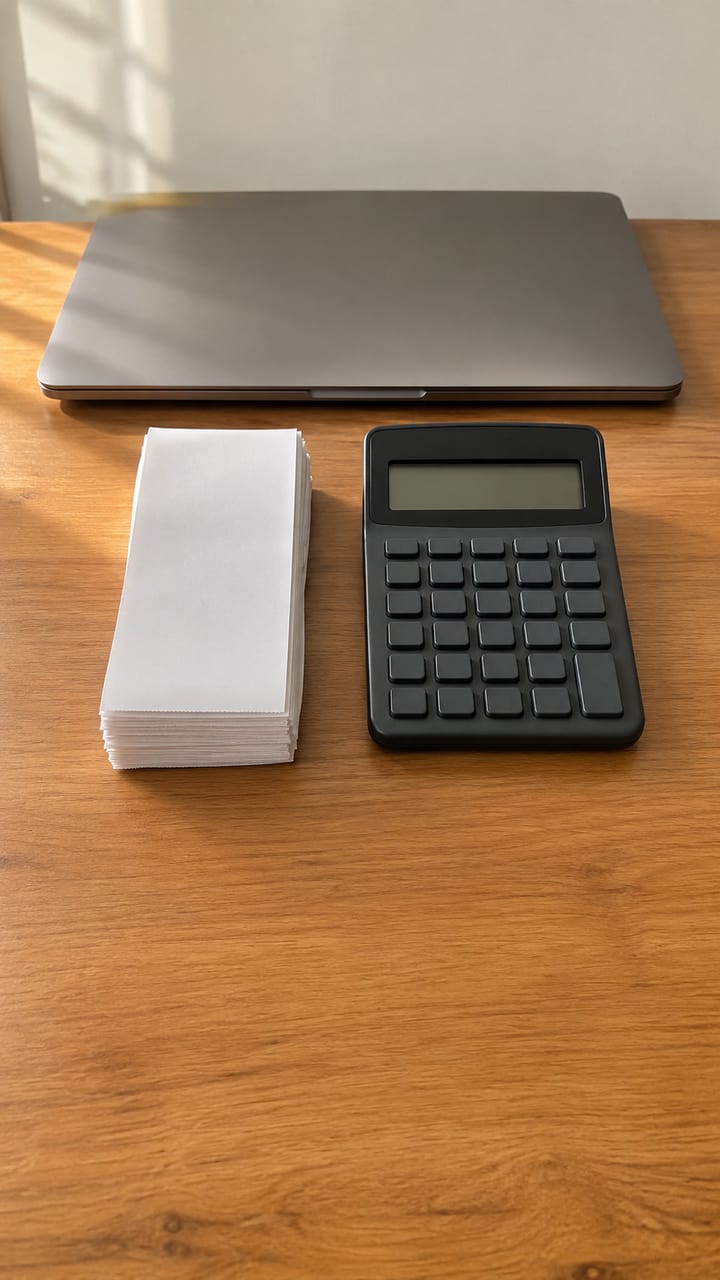
What happens when we do your books
Send receipts on this day only

Returns in three steps
The button is at the very bottom
Where it usually gets stuck
The problem 1
Agency quotes are steep and take weeks
How it gets solved
A draft comes straight from your product page or deck. Review the script and scene plan first, then make it once it's right.
The problem 2
The video goes stale as soon as a feature ships
How it gets solved
Fix only the scenes with the changed screen or price and export again. No change requests, no starting over.
The problem 3
I don't know what to put in or leave out
How it gets solved
The script follows customer problem, how it works, real screens, next step. Lots of features? Split them into short videos.
The problem 4
Every round of feedback means a rebuild
How it gets solved
Change a line, the scene order or the voice tone scene by scene. However many rounds come back, only the edited scenes change.
Your first explainer, scene by scene
The running order of a 90-second explainer made from a product page link and two screen recordings (times and offer are examples).
Timesheets without the spreadsheet
Payroll week. Late night again?
- 0–6 sPayroll week. Late night again?
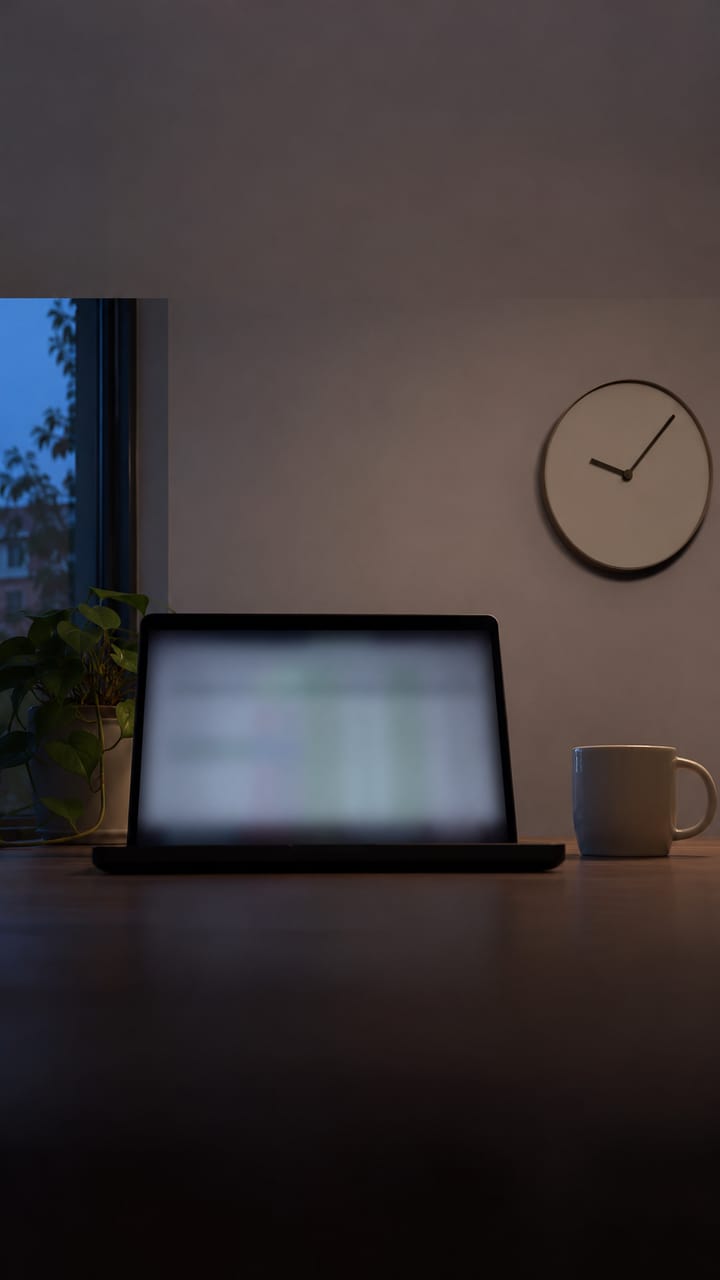
Office after dark, a laptop with a blurred spreadsheet and a wall clock
“The night before payroll, still reconciling timesheets in a spreadsheet?”
- 6–18 sMissing punches, wrong totals
Graphic of spreadsheet cells flashing red
“Hunting for missing punches and fixing totals eats half a day every month.”
- 18–38 sClock in with one tap
Real app recording: tapping the clock-in button on a phone
“Your team just taps clock-in on their phones.”
- 38–58 sHours add themselves up
Admin screen recording, hours stacking up in the table on their own
“Regular hours and overtime are totaled automatically.”
- 58–76 sMonth-end in 10 minutes
Payroll export screen, beside it a half day → 10 minutes graphic
“At month-end, you download one payroll file. Done.”
- 76–90 sTry it free for 14 days
Logo, a 'Start 14-day free trial' button and the web address
“Switch before this month's payroll. The first 14 days are free.”
17 explainers worth making
Introducing the product
- 1Our product in 90 seconds
- 2Who it's for: three situations
- 3A workday before and after
- 4Plans and pricing at a glance
One feature per video
- 5Timesheets without the spreadsheet
- 6Export payroll in one click
- 7Three notification settings
- 8Setting permissions per employee
- 9Approving from your phone
Customer support
- 10Returns in three steps
- 11Resetting your password
- 12The three screens people get stuck on
- 13Changing your payment method
Sales and onboarding
- 14What happens before our first call
- 15Your first week: three things to do
- 16What happens after you sign
- 17Day-one training for new hires
Check before you publish
- Are customer names, emails and phone numbers hidden in screen recordings?
- Do prices and plan names match your website today?
- Do button labels and menu positions match the current version?
- Does it make sense with the sound off, captions only?
- Can you back up words like 'fastest' or 'industry-leading'?
- Does the last scene give a next step, like a free trial or demo, with the link?
Three ways to get an explainer made
| Hire an agency | Edit it yourself | Draft | |
|---|---|---|---|
| First video | Quotes and scheduling, usually weeks | Gather assets and edit: a few days | Add your materials, review in an hour or two |
| A feature changes | Revision request, maybe a new quote | Find the project file, re-edit | Fix the changed scene, export again |
| Spanish or Japanese | New voice and captions per language | Translate, record and caption yourself | Same structure, language swapped |
| What you need | Budget and time for feedback rounds | An editing tool and someone to use it | A product page or deck, screen recordings |
| Best for | Brand films, character animation | A video you'll use unchanged for years | Features, how-tos, things that change |
For a brand film where direction matters, a studio is the better pick. Draft suits explainers that change as your product does.
How it works
- 1
Add your material (10 min)
A product page link, a company deck, or screen recordings, plus a note on who will watch it.
- 2
Check the structure
Review the script and scene plan first: problem, how it works, real screens, next step.
- 3
Make it, then fix scene by scene
Make the video with voice, captions, diagrams and screens, and fix terms or screens one scene at a time.
- 4
Fit it to each place
A horizontal cut for your site and YouTube, a vertical summary for Reels, and an English version from the same content.
Which one should you pick?
When another approach is better
- Trust comes from the founder or team speaking on camera: film it
- A brand film built on character animation or illustration: an animation studio
- Training videos with a talking avatar: an avatar tool (Draft doesn't make avatars)
Explainers Draft fits
- Feature walkthroughs for apps, platforms and internal tools
- Services that need a process explained: tax, insurance, finance
- Products that change often and need the video kept current
- The same explainer in several languages
FAQ
How long should an explainer video be?
60–120 seconds is common for a homepage or YouTube intro. Keep one video to one core problem and one solution; if you have many features, split them into short videos per feature.
Can I include screens from my product?
Yes. Upload screen recordings or screenshots and they're used as scene material. For a public web page, a link is enough to capture it into a scene.
Can I make Spanish or Japanese versions?
Yes. Keep the same structure and swap the narration and captions into another language; on-screen text changes scene by scene too. Have a fluent speaker check the technical terms once.
How does it compare with hiring an agency?
For videos that inform, like feature walkthroughs or process guides, Draft is faster, and a feature change means fixing only that scene. For brand campaigns or character animation where craft matters most, a production studio is better. If you're not sure which fits, ask us in a free consultation.
Can I make explainers from Claude or ChatGPT?
Yes. Connect Draft to Claude or ChatGPT, share your product material in the chat, and make and edit the explainer there. It opens in the Draft editor as well.
What does it cost?
It starts free with no subscription, and you spend credits per task. You see estimated credits before anything is made; videos built on diagrams and screenshots cost less, and heavy AI video generation costs more.
Can a presenter or avatar appear in the video?
Draft has no avatars or lip-sync. It pairs AI narration with your product screens, diagrams and stock footage. If you upload footage of your founder or team, it can go into a scene.
How do I put the video on my website?
Download the rendered file and upload it to your site builder, or post it to YouTube and use the embed code. Draft can publish straight to your YouTube channel too.
More on the blog
How to Start a Faceless YouTube Channel in 2026
Formats that work without a face, a repeatable episode structure, an AI production stack, a weekly schedule, and YouTube's AI and monetization rules.
Save Tokens on AI Video: Turn Repeated Scenes into Blocks
What gets rebuilt when you fix one number card in an AI video? Real Draft block data, with scene code, narration, media and export costs split out.
Weighing something else too?
What people with the same question read next.
 Make videos with Claude
Ask Claude for a video: how far does it actually get?
Add one connection to Claude, then make, edit and schedule videos from the chat.
Read Shorts automation
Posting Shorts daily: can it keep going without you sitting there?
From finding a topic to the scheduled upload, a new Short gets made and posted every day.
Read Product videos
Just product photos, no filming: can it still make people want to buy?
A product link or a few photos becomes a promo Short with the benefits and a reason to buy.
ReadWe can also build these for you
Connections and automations Draft doesn't do out of the box can be built to order after a consultation.
Release notes become videos
Post a release note and an updated explainer with just the changed scenes, plus a short announcement clip, can be made together.
Top support questions as one-minute guides
Your most frequent support questions can each get a one-minute guide video to link in replies.
A different opening for every prospect
Company names and industries from your prospect list can be dropped in, giving each prospect an explainer with its own first scene.
Make your first video now
Start free with no subscription and top up credits only when you need them.
Start free