How to Start a Faceless YouTube Channel in 2026
Formats that work without a face, a repeatable episode structure, an AI production stack, a weekly schedule, and YouTube's AI and monetization rules.
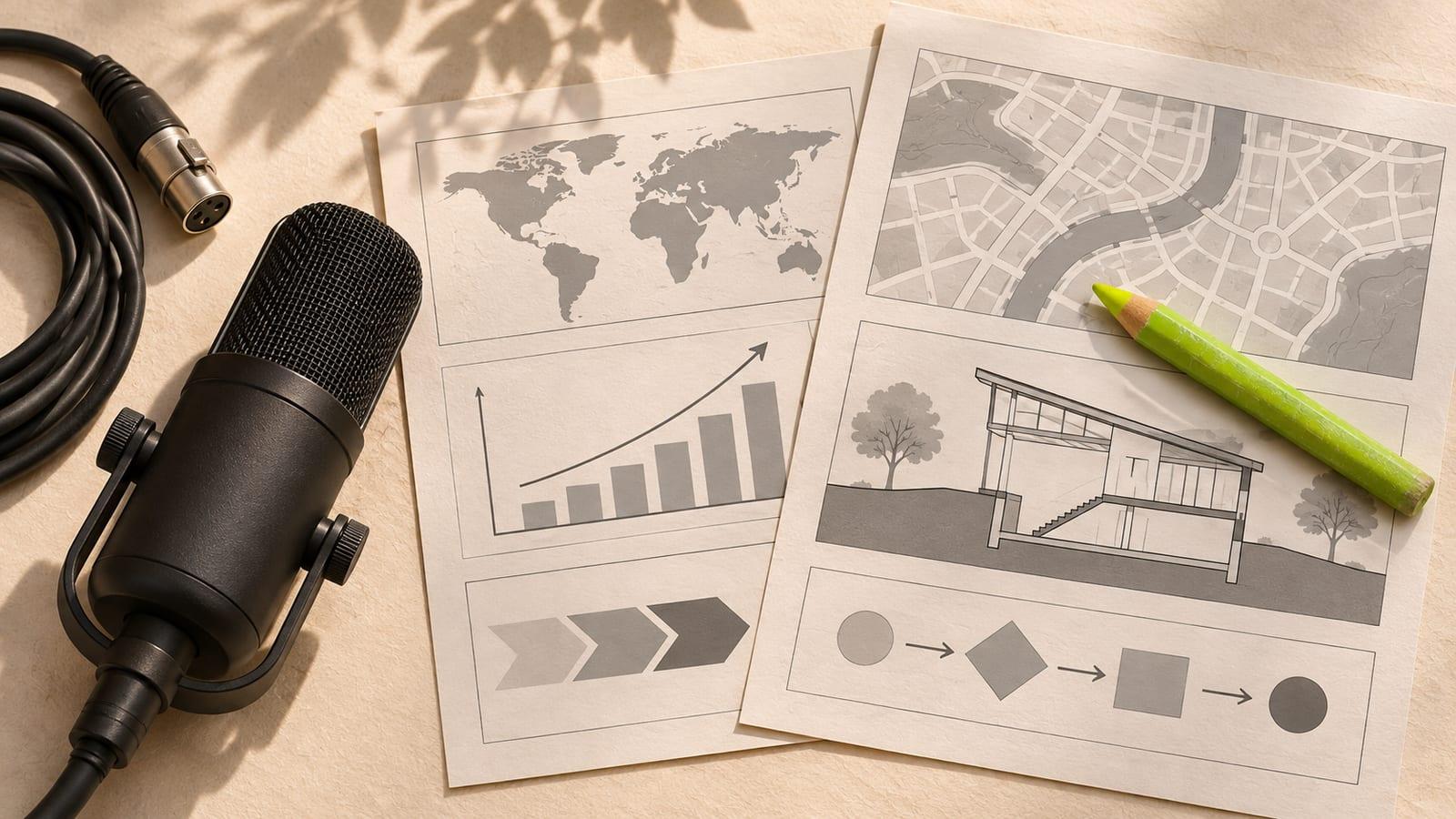
A channel that explains economic data with charts. Another that walks through history on a map. Neither ever shows a host, and both keep pulling in viewers. A faceless YouTube channel lets the screen carry the information while the voice follows along.
AI now handles much of the script, captions and graphics, so starting is easier. At the same time, YouTube revised its monetization policy in July 2025 to make it clearer that mass-produced, templated videos don't qualify for revenue.
Some formats simply don't need a face
These are videos where viewers come for what's on screen rather than for a person. If the star is a number, a map, a product or the music, you lose very little by staying off camera.
| Format | What fills the screen instead | Watch out for |
|---|---|---|
| Concept explainers and tutorials | Diagrams, step-by-step screens | Repeating explanations that exist everywhere gives no reason to watch |
| Knowledge, history, science | Maps, timelines, archive photos | Sourcing and factual errors |
| Data and news summaries | Charts (one beats three sentences) | Show the date and source of every figure on screen |
| Product reviews and comparisons | Real photos, spec tables | AI-drawn product images don't match the real thing; use your own photos or official images |
| Music playlists | A screen people leave on while working or sleeping | Compilations of different artists' songs can't be monetized, and AI music as the main focus must be disclosed |
Here's what a graphics-led explainer actually looks like: archive photos, technical drawings, charts and year cards taking turns.
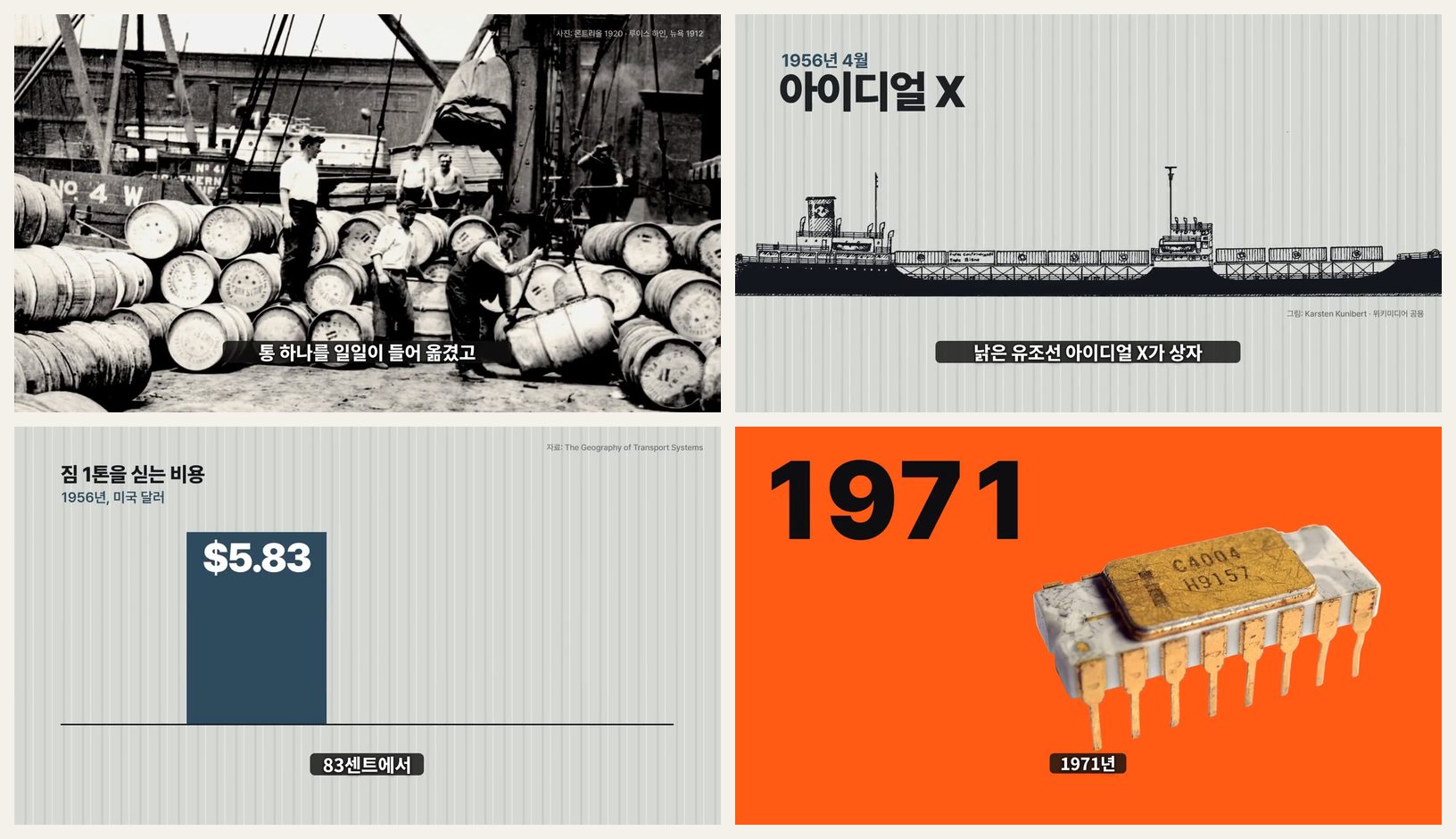
On the other hand, talk shows built on a host's personality, travel vlogs that need on-location footage and gameplay channels are hard to compete in without a face or your own camera.
Pick a niche where you can list 30 topics today
You need one narrow niche that produces new material every week and one structure you can fill in the same order every time. Ask whether you can list 30 topics right now, whether there's something to show as numbers or images, and whether you can keep researching it for a year.
A reliable structure is title, hook, three points, payoff.
- 1TitleRent or buy in 2026: what a 1% rate change does
- 2HookThe same apartment flips from "rent" to "buy" when rates move one point
- 3Point 1$2,100 a month in rent next to the mortgage payment on the same place
- 4Point 2Add what the down payment would have earned invested elsewhere
- 5Point 3Where the break-even moves as rates rise or fall
- 6PayoffA one-line formula viewers can plug their own numbers into
Repeating the structure is fine. A familiar order is part of why viewers remember a channel. Trouble starts when the content inside begins to look the same too.
The production stack has six parts
Script, voice, graphics, real footage, captions and music. Let AI draft each one quickly and keep the fact and context checks for yourself.
| Step | What AI can do | What you check |
|---|---|---|
| Script | Structure, hook options, tightening sentences | Facts, numbers, sources, your point of view |
| AI voice | Narration in many languages, natural pauses | Pronunciation of names and numbers, pacing |
| Graphics | Charts, number cards, maps, kinetic type | That figures match the source data |
| Real footage | Finding stock video and photos | That shots match what's said, license terms |
| Captions | Word-level timing | Typos, proper nouns, readability on a phone |
| Music | Placing a track that fits the mood | That it doesn't bury the narration, license terms |
Numbers are where pronunciation usually slips. Spell out tricky notation in the script, such as "one percentage point" instead of "1 pp", and listen once before moving on.
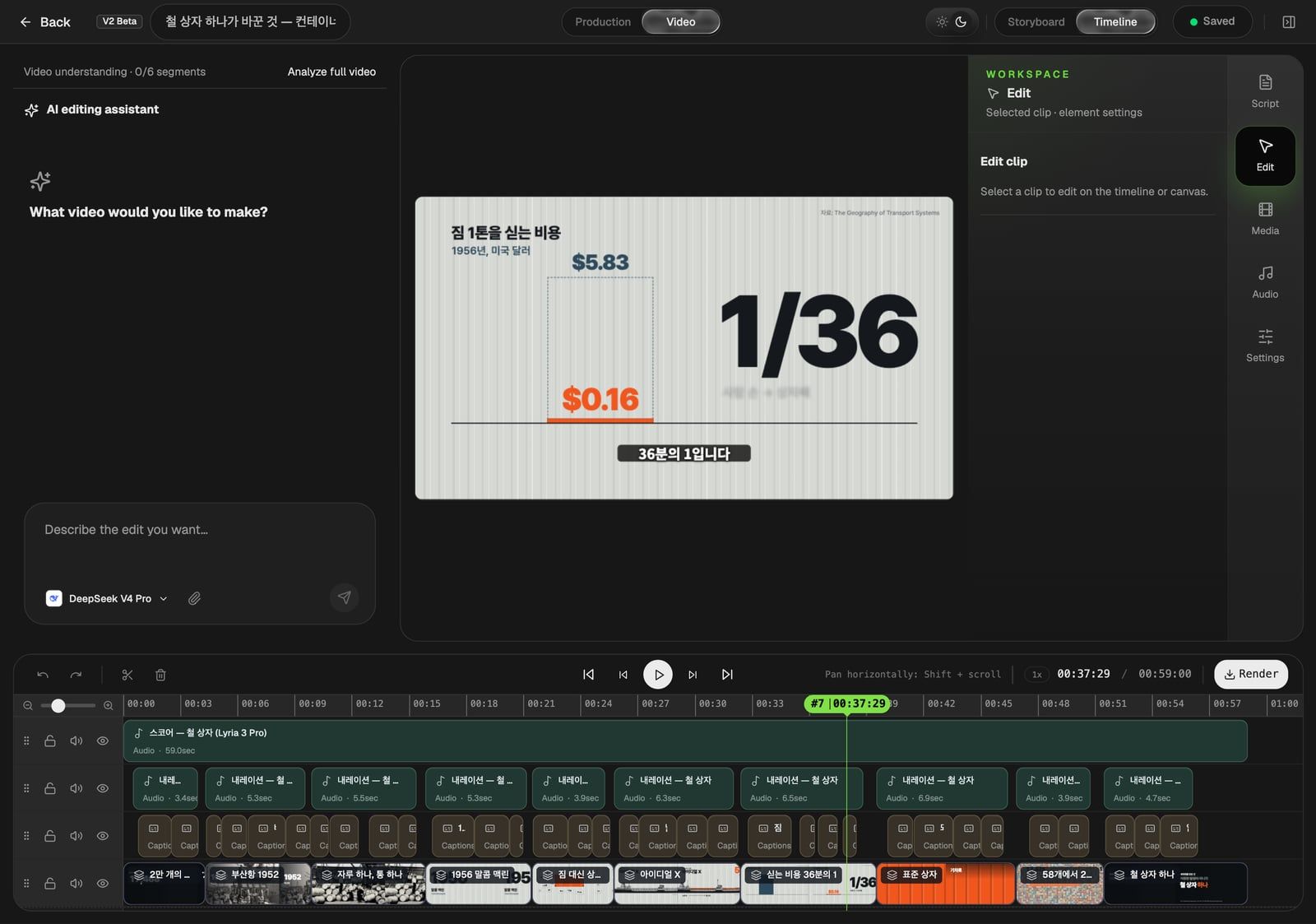
You could put an AI avatar where your face would be, but on an information channel the avatar takes up space you'd otherwise use for charts and sources. The trade-offs are in HeyGen alternatives. Draft doesn't offer avatars or lip-sync; it's built for explaining with graphics and real material.
How does YouTube treat AI-made videos?
Using AI doesn't count against you by itself. YouTube looks at two things: whether you disclosed realistic AI content, and whether the channel is mass-produced, repetitive content.
Disclose realistic AI content
YouTube Help's page on disclosing use of GenAI content separates what needs the AI-use setting at upload from what doesn't.
Disclose
- Making a real person appear to say or do something they didn't
- Altering footage of a real event or place
- Generating a realistic scene that didn't actually occur
- Music made with AI that's the main focus of the video
No need to disclose
- Non-realistic content such as fantasy scenes or animation
- Minor edits like color correction or background blur
- AI help with a script, title or thumbnail
- Caption generation
- A clone of your own voice used for voiceover
Most channels that explain things with graphics and AI narration fall on the right. Add AI footage that looks like a real place, or make narration sound like a real person, and you move to the left.
The page states that disclosing alone won't limit a video's audience or its eligibility to earn money. Creators who consistently skip disclosure when it applies may have a label added by YouTube or face penalties, including content removal or suspension from the YouTube Partner Program.
Templated, mass-produced videos lose monetization
On July 15, 2025, YouTube's channel monetization policies renamed the "repetitious content" policy to "inauthentic content." The update clarifies that it covers repetitive or mass-produced content; the reused content policy didn't change. The examples split like this:
Allowed
- The same intro and outro on every video, as long as the bulk of each one is different
- Critical reviews and reactions that add commentary (reused content)
Not allowed
- Image slideshows, templated storylines or scrolling text with minimal or no narrative, commentary or educational value
- AI-generated content made with generic or unoriginal templates that gives the impression of mass production
- Clips stitched together with little narrative (reused content)
- Collections of songs from different artists, even with permission (reused content)
Review looks at the whole channel, not a single video: its main theme, top and newest videos, watch time, metadata and About section. If videos fall under reused content, monetization can be removed from the entire channel.
How to avoid looking mass-produced
A viewer should be able to tell right away that each video is different. Repeat the structure, but make the script, information, visuals and point of view new every time.
- Rewrite the script yourself. Even from an AI draft, write the conclusion and at least one example in your own words.
- Use real information. This week's figures, photos of a product you bought, official documents: material others can't copy as is. Put sources in the description.
- Leave your point of view. Add at least one sentence on what you'd do.
- Post only what you can review. Publishing more than you can check piles up errors and repetition.
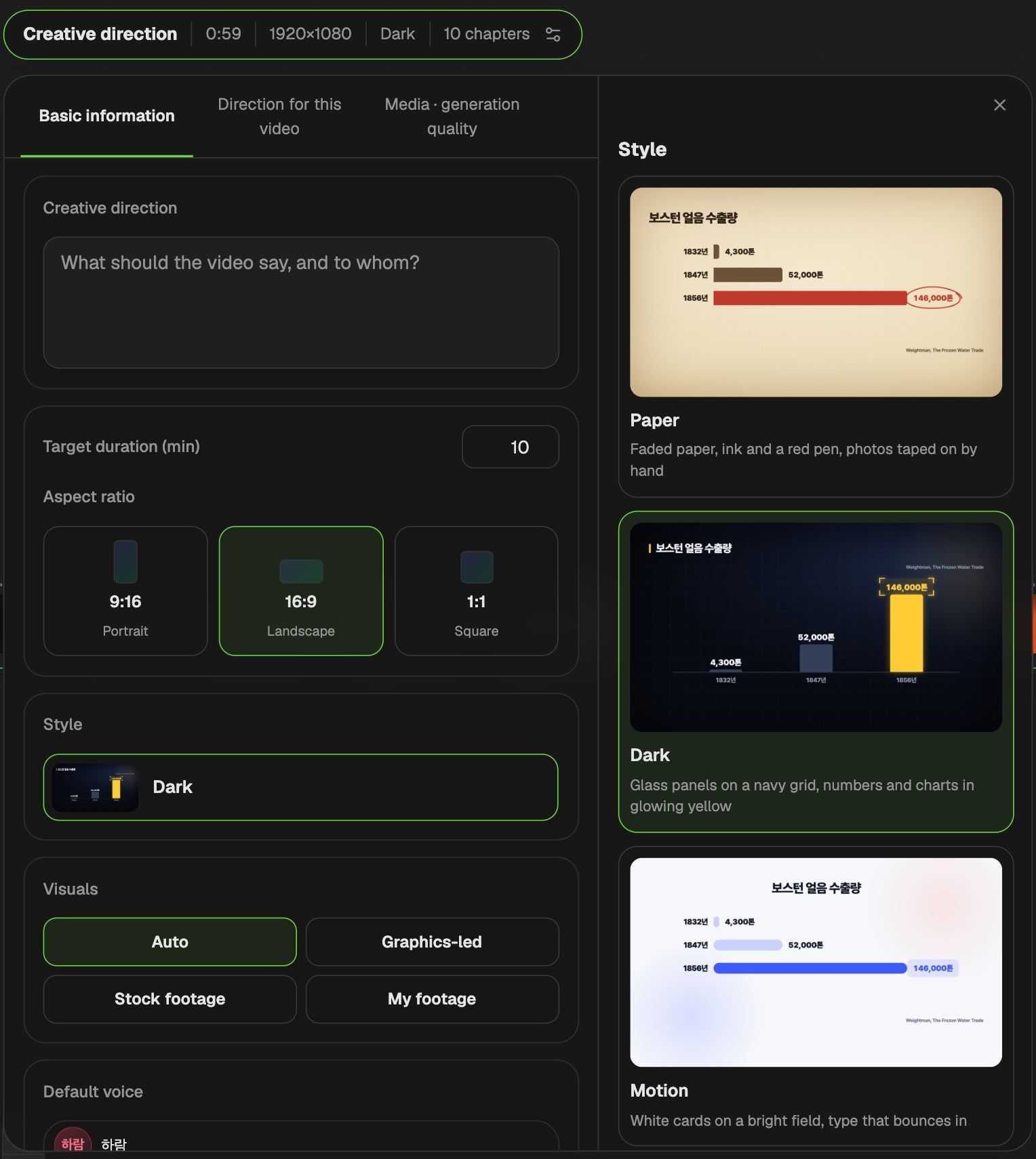
Visuals matter too. If every scene is the same background with different text, it reads as a template. Hold the channel's look together with one style, and inside it mix charts, maps, real photos and stock footage as each scene needs.
A week with Draft
One topic becomes one horizontal episode and three vertical Shorts, all scheduled in one go. For a weekly personal-finance channel, it could split like this:
| Day | What you do | What you have after |
|---|---|---|
| Mon | One topic, two or three reference links. Check the script draft's numbers and sources and write the conclusion yourself | A final script |
| Tue | Give Draft the topic, links or your own photos, then fix only the scenes that are off in the web editor | One horizontal episode |
| Wed | Turn each of the three points into a vertical Short, with a new hook for each | Three Shorts |
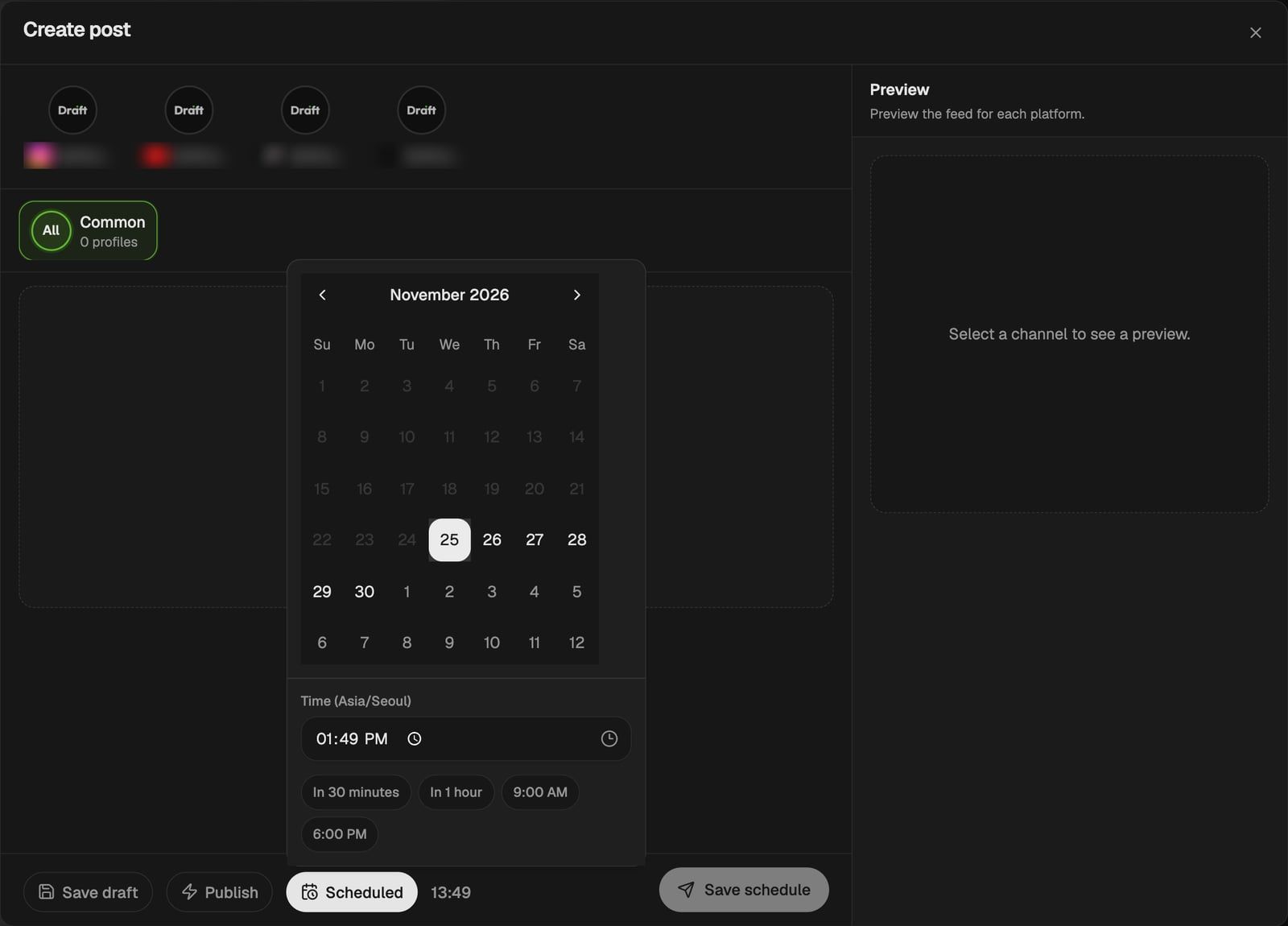
| Thu | Schedule the episode for Saturday morning and the Shorts for next Mon, Wed and Fri | Four scheduled posts |
| Fri–Sun | The episode goes live Saturday morning. Collect next topics from the comments | Next week's material |
Tuesday's video comes with a scene plan, AI narration, word-timed captions, charts and number graphics drawn in code, stock material and music. AI images or video go only into scenes that need them.
Draft publishes now or on a schedule to seven platforms, including YouTube, TikTok and Instagram. Don't publish your first few videos right away; schedule them. That leaves time to watch once more on your phone and catch caption typos before they go live.
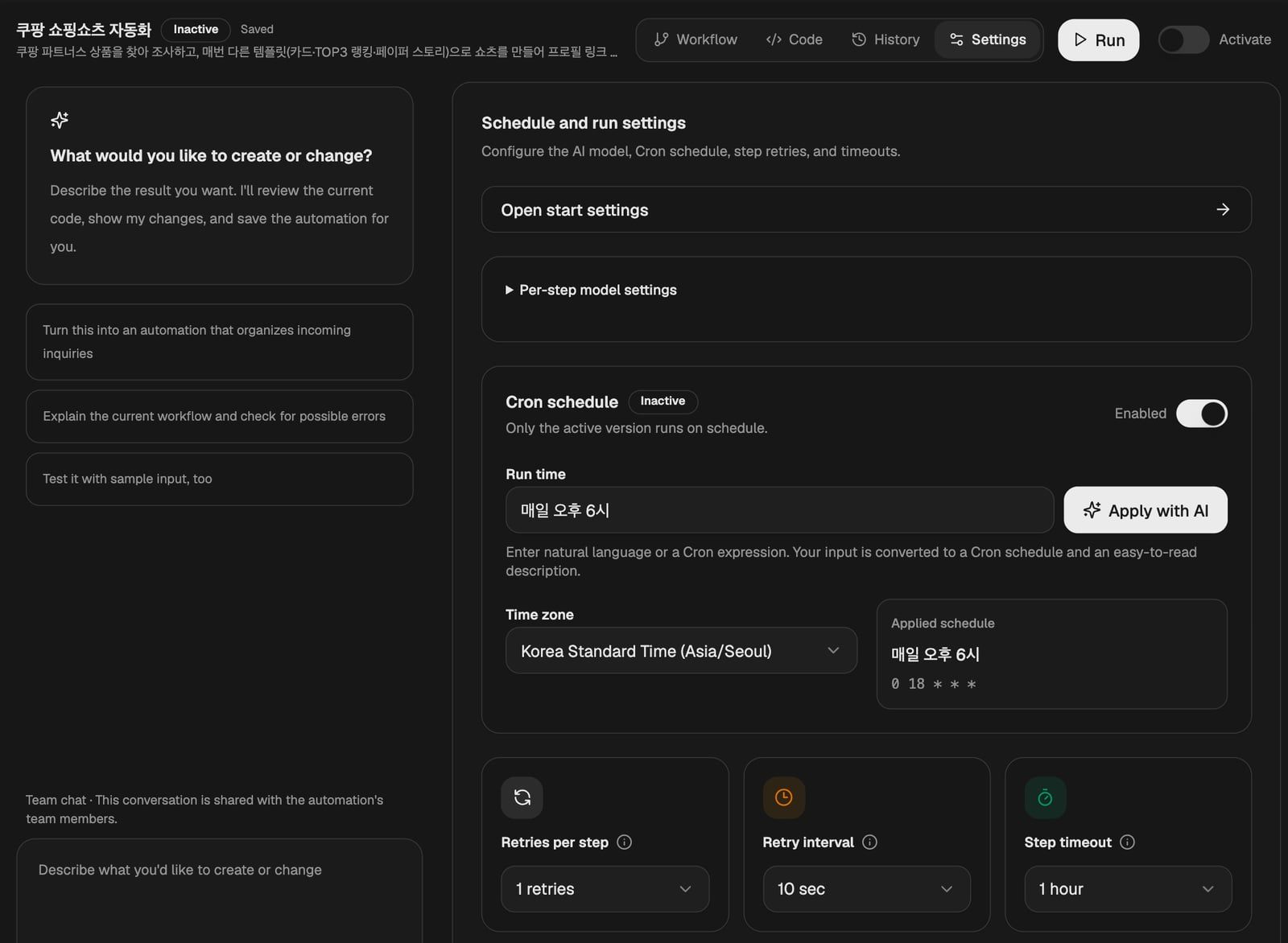
For formats where the data changes daily, such as exchange rates or weather, Shorts automation can run topic gathering, video creation and scheduled posting at a set time. Keep in mind that a video made from the same template every day is the closest thing to what the policy describes. Use it only where real data actually changes each time, and review the first several videos yourself.
If you already use Claude or ChatGPT, you can add Draft as a connector and make and schedule videos from the conversation. Draft starts free: tasks use credits, and you see an estimate before any paid work. Placing and restyling graphic blocks is free, so a block-based video only costs narration and pictures. The full flow is on the faceless YouTube channel page.
Frequently asked questions
Can a faceless channel be monetized?
Yes. Showing your face isn't a YouTube Partner Program requirement. Review checks whether the channel as a whole is original and not repetitive or reused content. If every video brings new information and your own commentary, you can meet the bar without appearing on camera.
Do I have to disclose AI voice narration?
AI narration that explains information isn't on YouTube's disclosure list. If you make it sound like a real person said it, disclose it. When in doubt, disclose; YouTube says disclosure alone doesn't limit reach or monetization.
How many videos should I post per day?
YouTube doesn't set a number. Start with what you can fact-check, such as one episode and three Shorts a week, then scale up once you've found a format that works.
Can I use AI for titles and thumbnails?
Yes. YouTube says AI help with scripts, titles and thumbnails doesn't need disclosure. Just make sure the title and thumbnail match what's actually in the video.
Make it with Draft
Turn the idea you just read into a video plan.
Start from a topic and get the script, scenes, narration, captions and a scheduled post in one flow.